
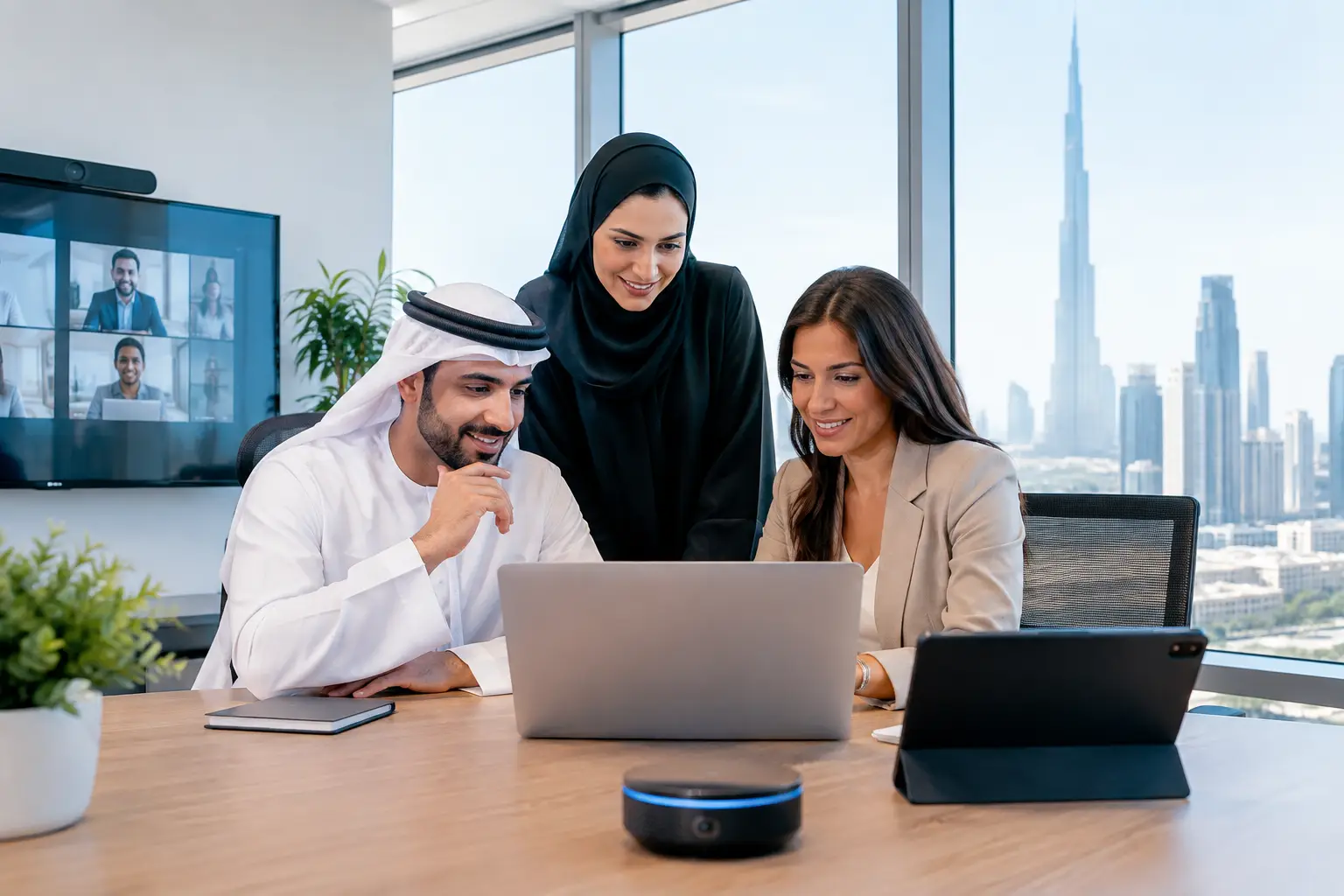
A meeting room sits empty while three teams search for a place to collaborate. The air conditioning runs at full capacity after most employees have left. Visitors wait at reception because the host has not been notified. These are not minor workplace frustrations. They affect productivity, operating costs, employee experience, and the impression a business makes every day. Smart office technology addresses these practical gaps when it is planned as part of the workspace, not added as an afterthought.
For businesses in Dubai, where premium offices are expected to support growth, client confidence, and high-performing teams, technology should complement the interior rather than compete with it. The strongest results come from combining space planning, fit-out execution, and the right digital systems from the beginning.
What Smart Office Technology Should Achieve
A smart office is not simply an office with more screens, sensors, or apps. It is a workplace where connected systems help people use the space with greater ease and help management make informed operational decisions. The technology should feel intuitive to employees and largely invisible to visitors.
The priority is function. A growing company may need to understand how often meeting rooms are used before committing to another expansion. A client-facing business may want reception, lighting, and audiovisual systems that create a polished arrival experience. A company with hybrid staff may need better booking tools and collaboration spaces. Each objective calls for a different technology plan.
Well-selected systems can support lower energy use, stronger access control, better room availability, and more consistent workplace comfort. However, technology alone cannot correct a poor layout. If meeting rooms are undersized, workstations lack privacy, or power points are inconveniently located, even the most advanced system will have limited value. The physical environment and the digital layer must be designed together.
The Core Technologies Worth Considering
The right investment depends on office size, working patterns, budget, and the level of control required. In most commercial fit-out projects, the following four areas offer the clearest everyday benefits:
- Smart lighting and climate control: Occupancy sensors, scheduling, daylight response, and zoned temperature controls can reduce unnecessary consumption while improving comfort. Teams can work in spaces that are appropriately lit and cooled without relying on manual adjustments throughout the day.
- Room and desk booking systems: Digital displays outside meeting rooms and easy-to-use booking platforms reduce conflicts and reveal whether the existing space is being used effectively. This is particularly valuable in hybrid offices where demand changes from one day to the next.
- Integrated audiovisual tools: Reliable video conferencing, wireless presentation systems, quality acoustics, and properly positioned displays make meetings more productive. This matters when teams, clients, and partners collaborate across Dubai, the UAE, and international locations.
- Smart access and visitor management: Mobile credentials, controlled entry points, and digital visitor check-in can improve security while giving guests a more professional welcome. Access permissions can also be adjusted for staff, contractors, and restricted areas.
These systems do not need to be installed all at once. A phased plan can be the smarter choice for a business that is renovating an occupied office or managing a defined capital budget. The important point is to prepare the infrastructure early, including cabling, power, network locations, ceiling coordination, and equipment allowances.
Start With the Workplace, Not the Devices
A common mistake is selecting products before defining how the office needs to perform. Technology providers may recommend excellent equipment, but the solution can still fail if it does not reflect the organization’s workflow.
Start by looking at how people arrive, focus, meet, take calls, host guests, and move through the office. Are private rooms regularly occupied by one person? Do employees struggle to find quiet areas for video calls? Does the reception area represent the quality of the brand? Are managers relying on assumptions rather than actual space-use data? The answers shape the technology brief.
A law firm, for example, may place greater emphasis on discreet access control, acoustic privacy, and secure meeting spaces. A creative agency may prioritize flexible collaboration zones, large-format presentation tools, and adjustable lighting. A sales organization with frequent client visits may invest in a refined reception experience and meeting rooms that work without technical delays.
This is where an experienced office fit-out partner adds value. Designers can coordinate technology requirements with partitions, joinery, flooring, ceilings, lighting, and furniture so the final office remains elegant, organized, and practical. Screens should not obstruct sightlines. Sensors should not appear randomly placed. Cables should not become a visible compromise in an otherwise premium interior.
Design Details That Determine Whether It Works
Smart office technology is often judged by its features, but daily success depends on details. Consider a conference room: a display may be specified correctly, yet perform poorly if glare from windows makes it difficult to view. A wireless charging point may be useful, but not if it is positioned away from where people naturally sit. Motion sensors can save energy, but their settings must account for employees working quietly at desks.
Acoustics deserve particular attention. Open-plan offices and glass partitions can create visual openness, but they also require careful sound management. Video meetings become difficult when voices travel across work areas or when ceiling finishes create excessive reverberation. Acoustic panels, enclosed phone booths, appropriate door seals, and considered furniture placement can make technology more effective because people can hear and be heard.
Network planning is equally important. High-speed connectivity, secure Wi-Fi coverage, adequate power capacity, and protected equipment locations should be addressed before finishes are completed. Retrofitting these requirements after handover can disrupt operations and increase costs.
There is also a balance between automation and user control. Employees generally appreciate systems that remove repetitive tasks, such as lights turning off in unused rooms. They may become frustrated if temperature controls are too restricted or if booking platforms are difficult to navigate. The best approach provides intelligent defaults while allowing reasonable adjustments.
Data Can Improve Decisions, but Privacy Matters
One of the most useful benefits of smart office technology is its ability to provide insight into how a workplace is used. Occupancy data can show when meeting rooms are consistently underutilized, which areas have the highest traffic, and whether a flexible work policy requires more collaboration areas or more focus spaces.
This information can support better real estate decisions and reduce wasted space. It should, however, be handled responsibly. Employees need clarity about what is being measured, why it is being collected, and how it will be protected. There is a clear difference between understanding room occupancy and creating a culture of unnecessary individual surveillance.
For most businesses, aggregated and anonymous workplace data is sufficient for planning purposes. A transparent policy, secure system configuration, and access controls help protect trust while allowing management to benefit from meaningful insights.
Plan for Change, Not Just Opening Day
Office technology has a shorter replacement cycle than architectural finishes. A well-built glass partition, reception desk, or flooring installation may serve the business for years, while collaboration tools and software platforms may evolve more quickly. This does not mean the office should be designed around temporary equipment. It means the infrastructure should make future changes manageable.
Flexible cable pathways, accessible service points, adaptable furniture, and modular meeting spaces can prevent expensive alterations later. It is also wise to confirm who will manage each system after handover. Someone must oversee software licenses, user permissions, troubleshooting, maintenance, and staff training. Without ownership, even a well-designed system can become underused.
Before finalizing the scope, ask practical questions: Will staff be able to use the system without calling IT? Can the equipment integrate with existing platforms? What happens during a network outage? Are replacement parts and technical support available locally? A solution that appears less advanced on paper may be the better choice if it is dependable and easy to maintain.
A Smarter Investment in the Workplace
The goal is not to fill an office with technology. It is to create a workplace that supports people, reflects the business, and performs efficiently over time. When smart systems are considered during the design and fit-out stage, they can be integrated with the same care given to layout, finishes, lighting, and furniture.
Al Sahm Interior Design helps businesses shape office environments where design quality and practical performance work together. A tailored consultation can identify which technology investments suit the space, the team, and the company’s plans for growth. The most successful smart office is the one employees can use confidently from their first day in the space.
Planning a project in Dubai? See our office interior design and fit-out in Dubai, or contact Al Sahm and call 055 443 2275 for a free site visit.


